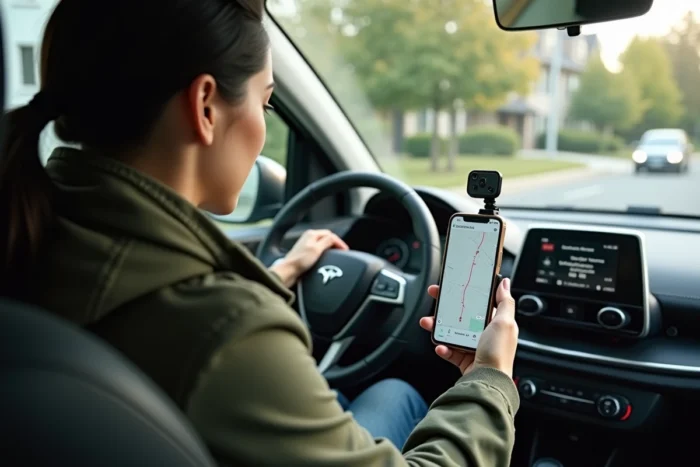
The GPS of a smartphone works thanks to a chip that receives satellite signals, independently of any mobile connection. What the internet connection provides is the map background and real-time route calculation. Cutting off data does not stop positioning, but deprives the screen of any useful visual information. It is this distinction that makes offline navigation possible, including with Mappy.
Mappy Route Cache: a Hybrid Functioning to Understand Before You Go
Most online content continues to assert that Mappy works exclusively online. The reality has evolved. The app now offers a partial offline mode, but its operation differs from what Google Maps or OsmAnd offer.
Mappy does not allow downloading complete map areas like Google Maps does. The principle relies on a caching of the displayed route before departure. Specifically, if you calculate a complete route on the app while connected to Wi-Fi, the map and navigation instructions remain accessible once the connection is cut.
This mechanism involves a preparation constraint. You must have displayed the entire route, zoomed in on key sections, and allowed the app to load the map tiles. Solutions for using a GPS without internet connection with Mappy therefore rely on this pre-loading logic, which is more restrictive than a massive area download but sufficient for a planned trip.
This approach has an advantage: it consumes less storage space on the phone. However, it does not cover unexpected detours. If you deviate from the cached route, the app will not be able to recalculate without data.

Offline Navigation: What GPS Really Captures Without Mobile Network
A common confusion fuels forums: many users think that without a mobile network, the GPS itself stops working. The GPS chip of a smartphone receives signals from positioning satellites (American GPS, European Galileo, Russian GLONASS) without going through 4G or 5G.
Satellite positioning works without any internet connection. What is missing without data is the map under the blue dot. Your phone knows where it is, but it cannot display anything if no map has been preloaded locally.
This is why all offline navigation applications, including Mappy, require a preparation step. The GPS provides the coordinates. The app provides the map. Without the latter, the former is practically unusable.
Limits of GPS Signal in Real Situations
In a tunnel, an underground parking lot, or a narrow urban canyon, the satellite signal can be degraded or lost. Online applications partially compensate through positioning by relay antennas or Wi-Fi. In offline mode, this crutch disappears.
Field reports vary on this point: some users report smooth positioning in rural areas without a network, while others experience frequent signal loss in dense urban areas. The quality of the GPS chip embedded in the smartphone plays a significant role.
Preparing an Offline Trip with Mappy: Concrete Steps and Pitfalls to Avoid
Preparing a Mappy route for offline use follows a precise logic. Here are the steps to follow:
- Open the Mappy app on Wi-Fi and calculate the complete route from the starting point to the final destination, ensuring that all intermediate steps display correctly
- Manually scroll the route on the map, zooming in on urban sections or complex interchanges, to force the loading of map tiles into local cache
- Avoid closing the app or clearing the phone’s cache between preparation and departure, or risk losing preloaded data
- Keep airplane mode off if possible, as some auxiliary positioning functions (passive Wi-Fi, Bluetooth) improve accuracy even without active data
A route not fully displayed will not be available offline. This is the main source of error reported by users. Calculating a route is not enough: each map section must have been visually loaded.
Storage and Phone Battery Life
The Mappy route cache remains light compared to maps downloaded by other applications. Where Google Maps can store several hundred megabytes for an area, Mappy only caches the corridor of the route. The space occupied depends on the length of the route and the zoom level reached during preparation.
The GPS continuously drains the battery. Without a data connection, consumption is slightly reduced, but the screen being constantly on remains the primary energy expenditure. A car charger or external battery is recommended for trips longer than an hour.
Mappy Offline vs. Dedicated Offline GPS Applications
Mappy’s offline mode meets a specific need: to follow a pre-planned route without detours. For broader needs, other Android and iOS applications offer true downloads of complete maps.
- Google Maps allows you to select an entire geographic area and store it locally, with functional offline route calculation in certain regions
- OsmAnd, based on OpenStreetMap data, offers downloads by country or region, with detailed maps including hiking trails and points of interest
- HERE WeGo offers downloadable maps by country with guided voice navigation, including without any connection
Mappy stands out for its specialization in the French road network, with particularly detailed traffic, toll, and fuel cost information when the connection is active. In offline mode, these advantages disappear: only the route and direction instructions remain.
The choice between these solutions depends on the context. For a home-vacation trip on a French highway planned the day before, the Mappy cache is sufficient. For a road trip with spontaneous detours or a destination abroad, an app with complete area downloads offers much greater flexibility.
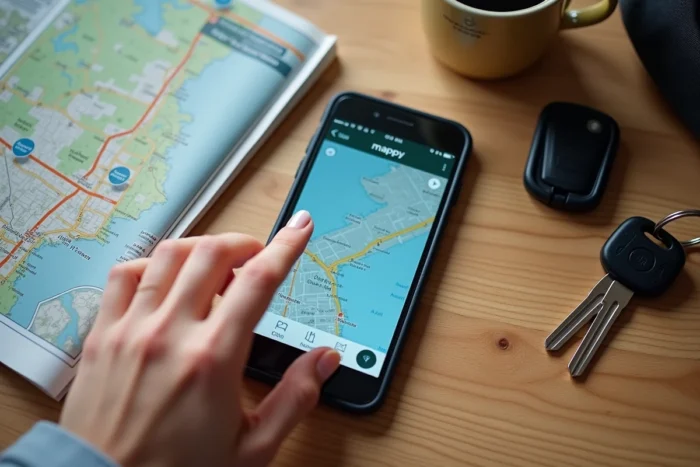
Offline navigation is only reliable to the extent of its preparation. Whatever tool is chosen, the common point remains the same: everything depends on what is done before leaving Wi-Fi. Check the cache, test the route in airplane mode, ensure the phone holds a charge. GPS without internet works, as long as you don’t improvise.